
Welcome to our Knowledge Base
-
Common
-
Selling
-
Products
-
Services
-
Buying
< All Topics
Print
How to log out
Posted
Updated
ByFelix Mahama
Views24
It is a good idea to log out of your TopBuyGH account when you’re done taking care of business so that unauthorized persons do not get access to your account. Logging out is a simple process.
Logout Process for Everyone
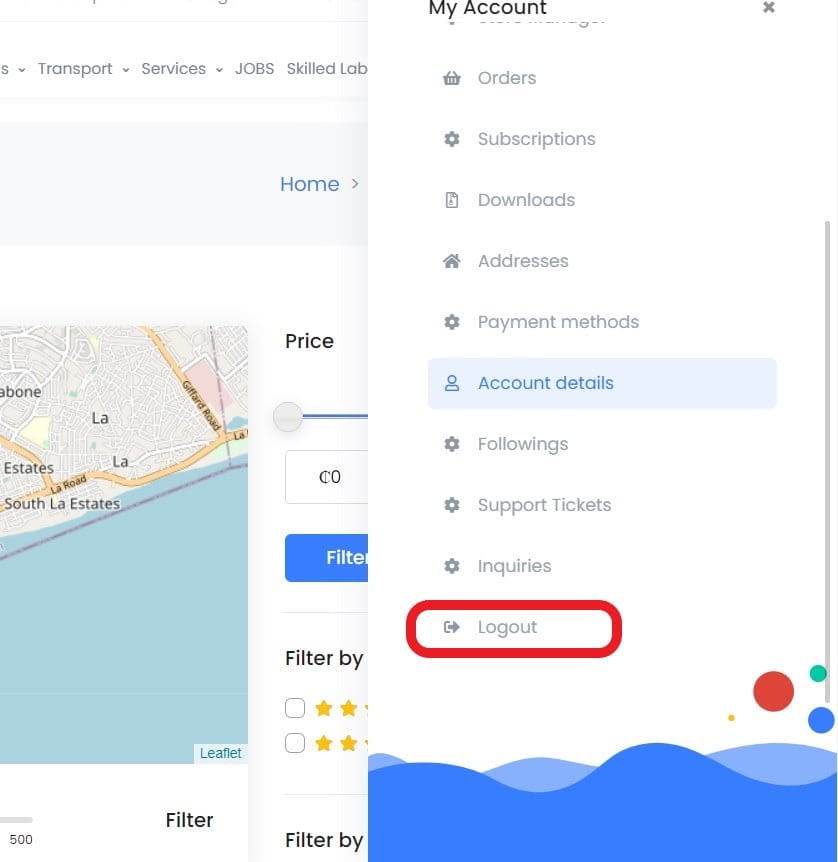
Option 1
- Click the user profile avatar at the top of the screen.
- Click the “Logout” button in the drop down menu. You may need to scroll down to see the “Logout” button.

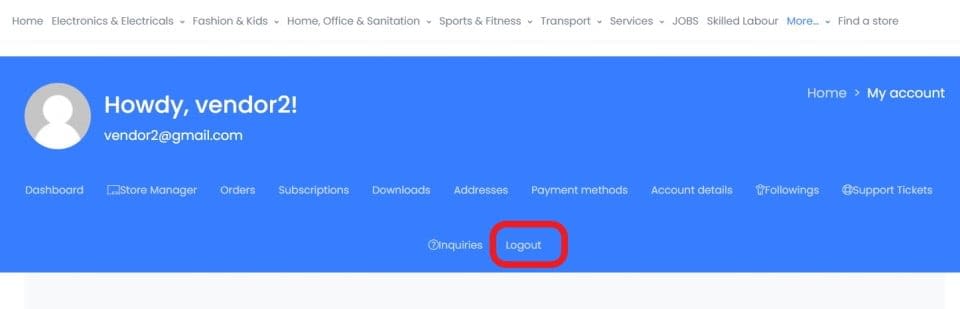
Option 2
Desktop
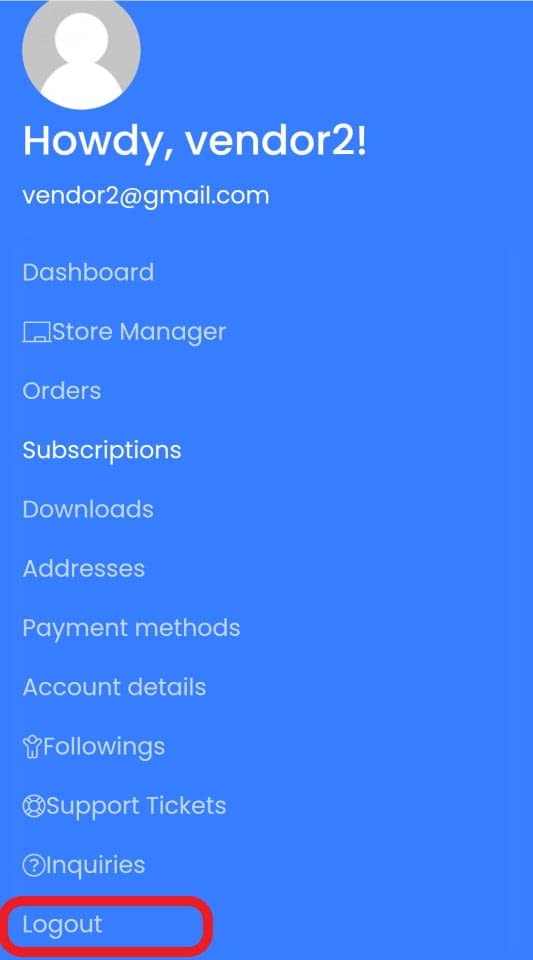
Mobile
Logout Process for Sellers only
Desktop
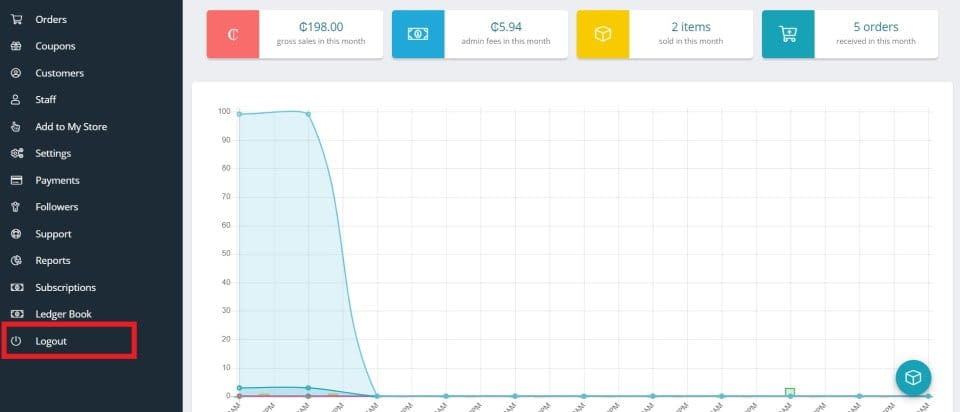
Click “Logout” in the left panel of your store manager. Mobile users have to click the store manager mobile toggle button and scroll down to reach the logout button.
Mobile
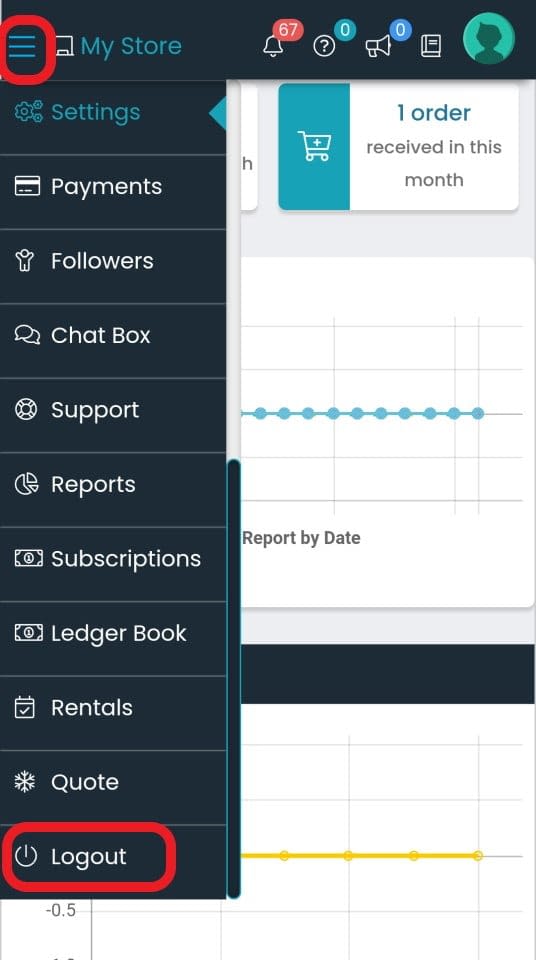
Table of Contents