
Welcome to our Knowledge Base
-
Common
-
Selling
-
Products
-
Services
-
Buying
< All Topics
Print
Catalog panel
Posted
Updated
ByFelix Mahama
Views12
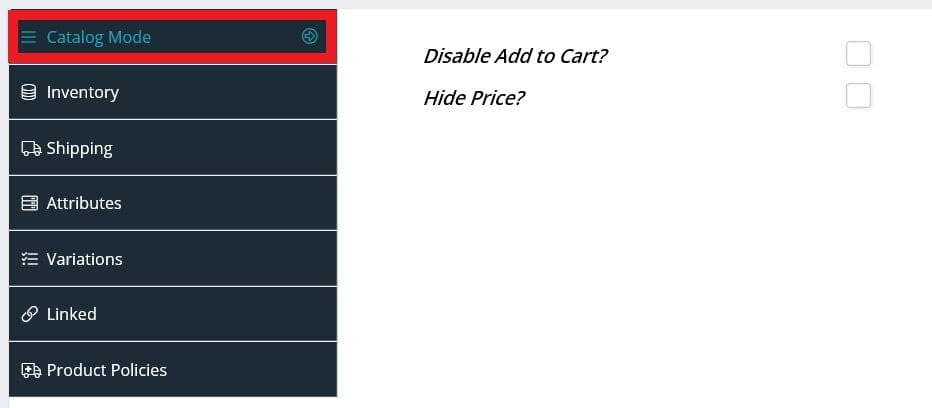
- Check the “Catalog” option (under the product type selection box) to enable the Catalog panel.
- Scroll down to the panel section at the bottom of the page.
- Click “Catalog Mode”.
- Check the “Disable Add to Cart?” option if you wish to prevent shoppers from adding the product to the cart and checking out.
- Check the “Hide Price?” option if you wish to hide your product’s price from shoppers. Check this option if you want shoppers to contact you for pricing.
Table of Contents